Managing CA Certificates for Safari 5
Q
How to manage CA Certificates used by Safari 5 on Windows systems? Why there is no setting in browser to see and manage CA certificates?
✍: FYIcenter.com
A
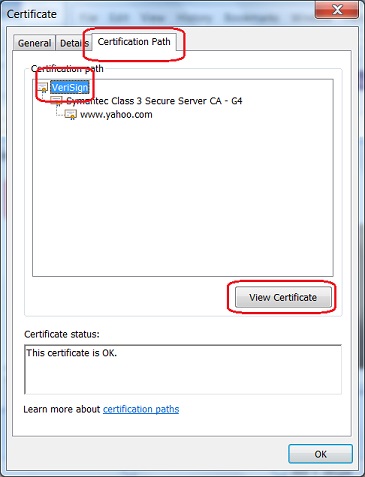
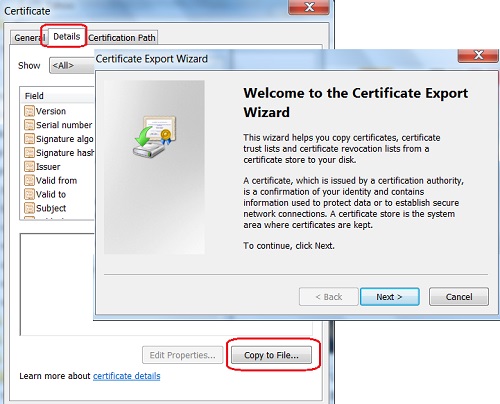
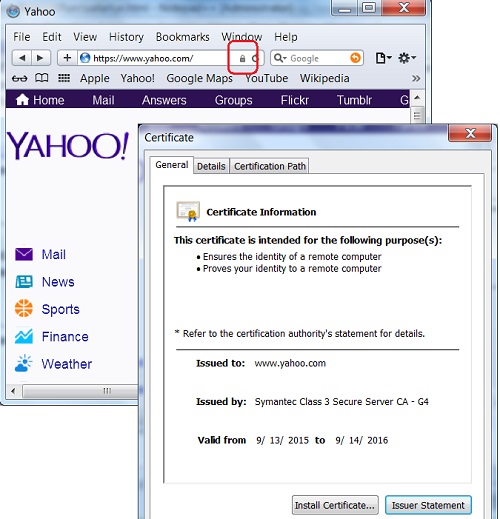
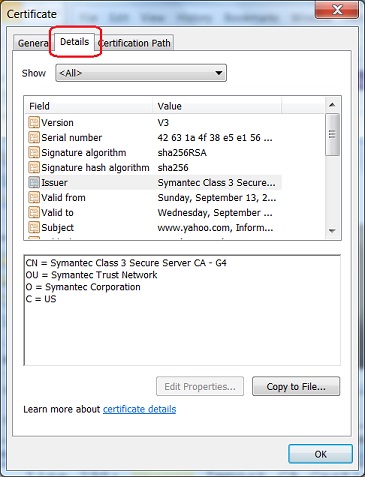
Safari 5 on Windows system shares same certificate stores managed by Windows system.
You can use the "Control Panel > Network and Internet
> Internet Options > Content > Certificates" to manage CA certificates,
like view, export, and import certificates.
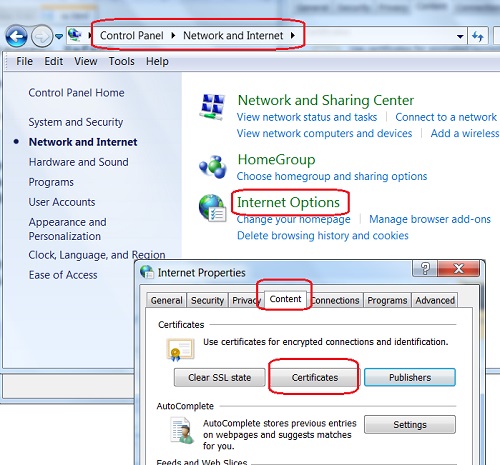
You can also use "IE (Internet Explorer) > Tools Internet Options > Content > Certificates" to manage CA certificates. IE, Windows, and Safari are all using the same certificate stores.
2015-10-14, ∼3512🔥, 0💬
Related Topics: